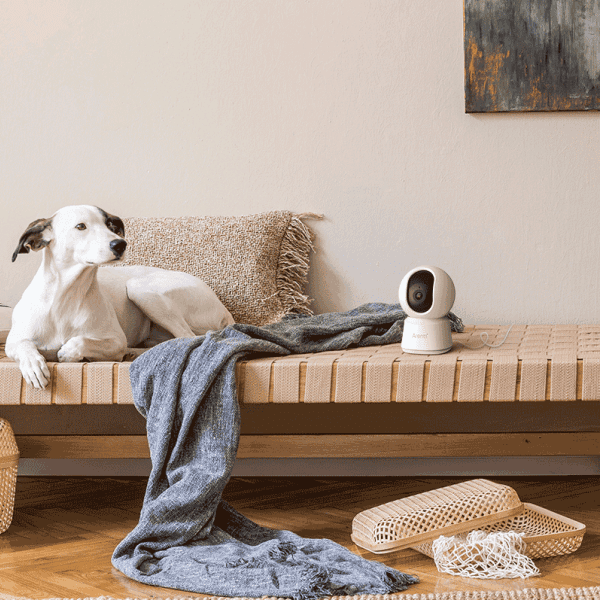
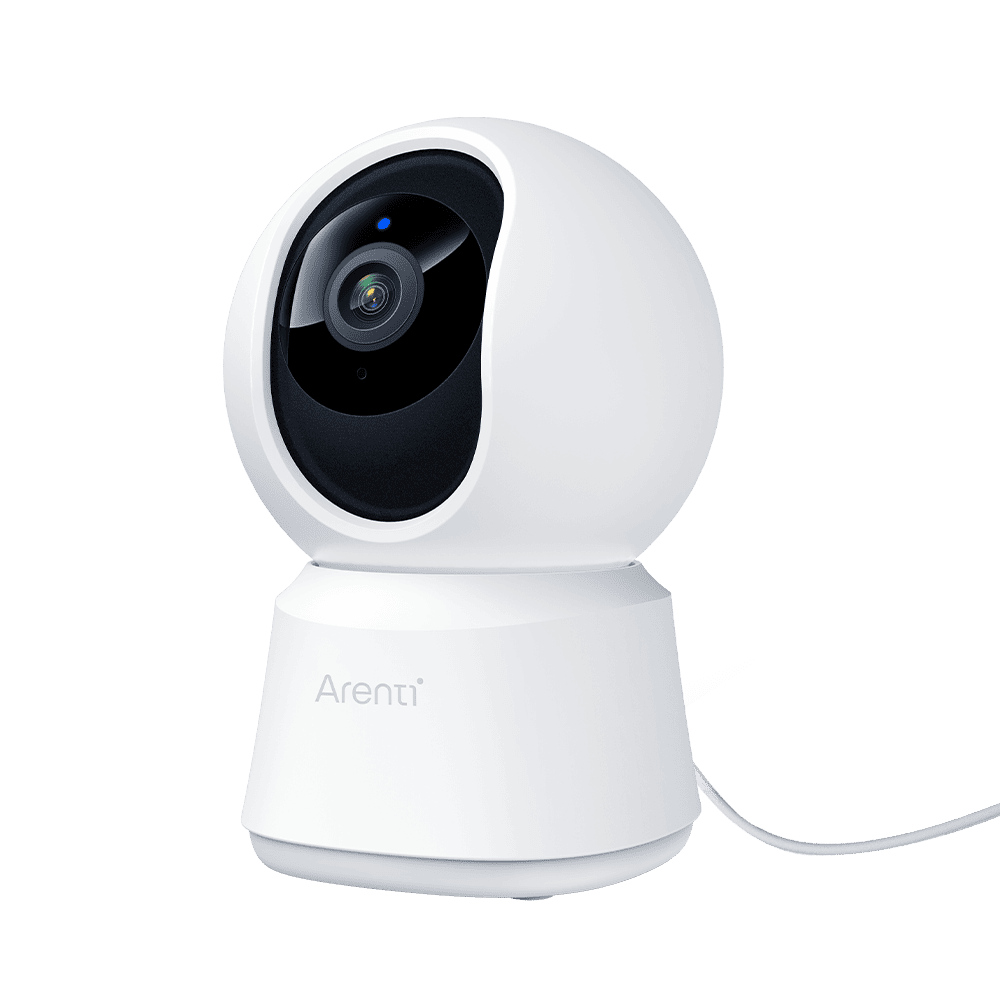
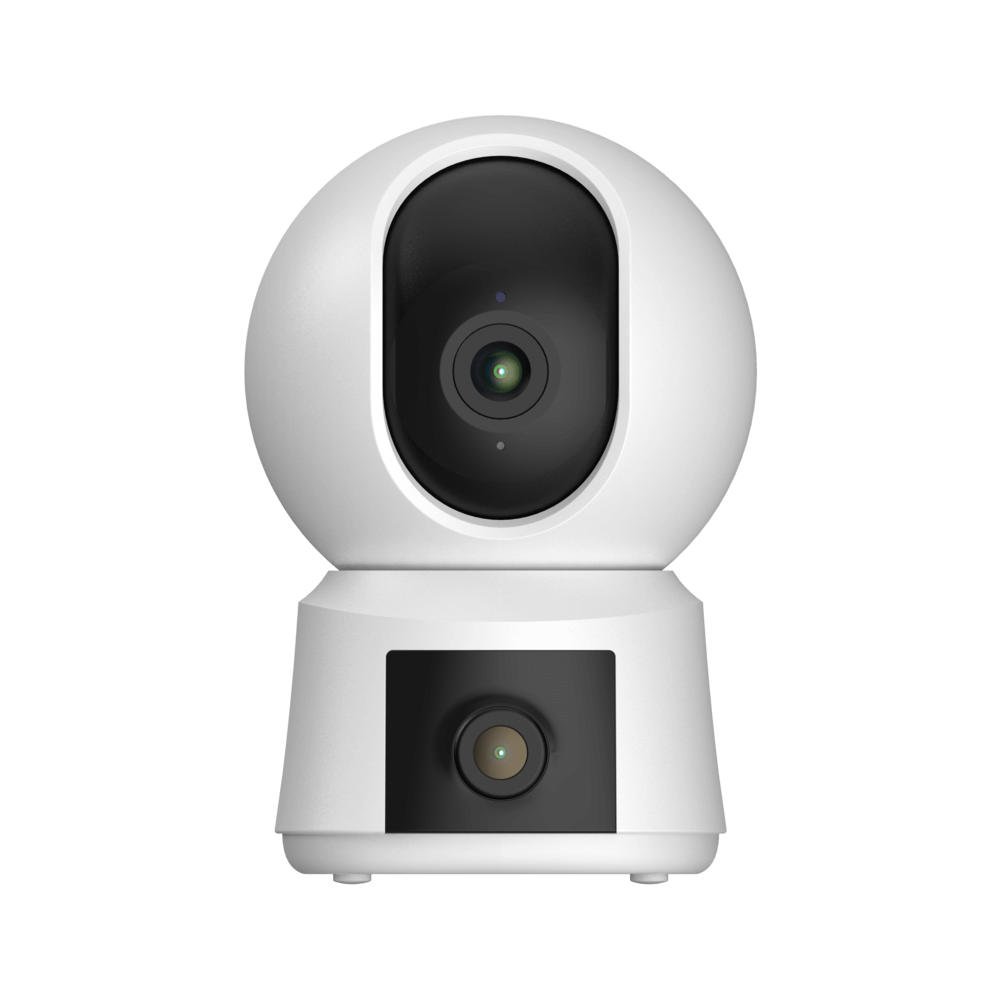
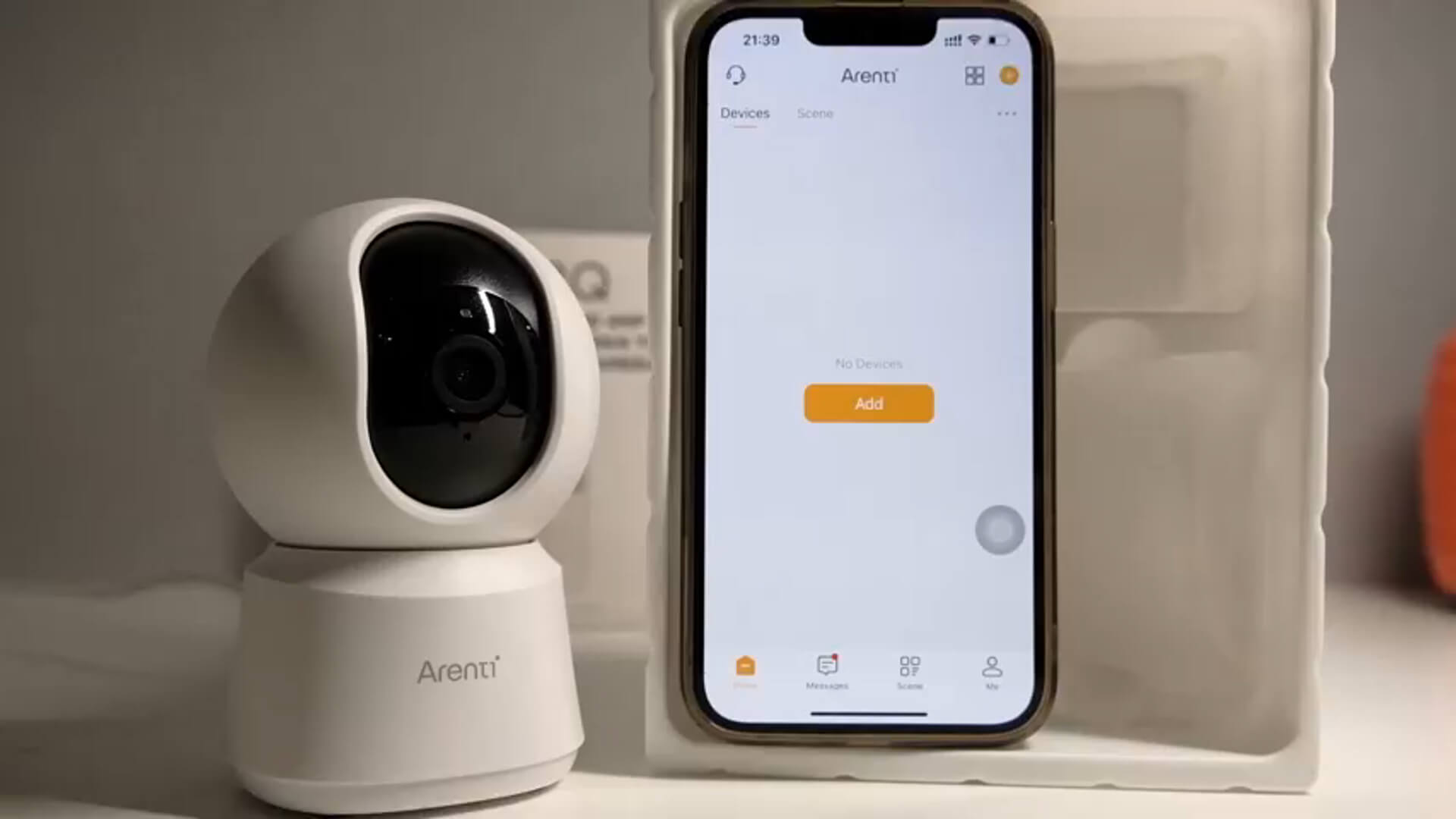
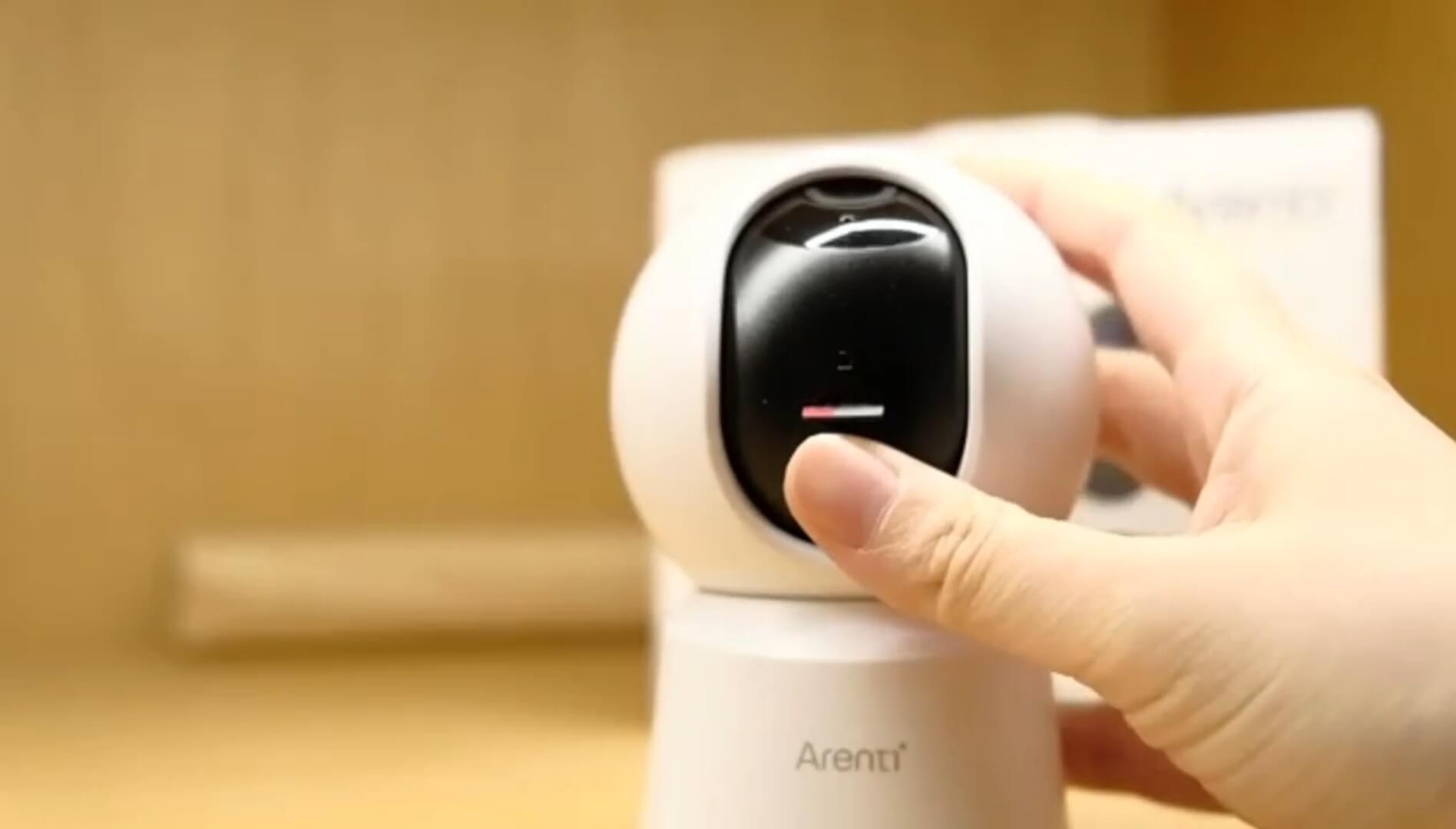
The Arenti P2F indoor cameras for home comes equipped with a 360° Pan-Tilt feature. This allows you to scan your entire surroundings without any blind spots. Whether tracking your pet or keeping a vigilant eye on every corner of your home, the Arenti P2F makes it a breeze.
Motion Sensor Camera: Precise Auto-Tracking Experience the power of intelligent
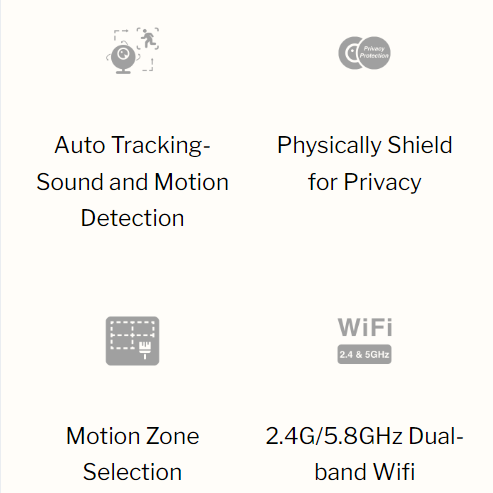
Experience the power of intelligent surveillance with the Arenti P2F's Auto-Tracking feature. This function allows the camera to follow any detected movement, ensuring that you never miss anything important. It might be your kid sneaking cookies or your pet causing mischief, you'll catch every moment.
Reliable Connection with Dual Band Wi-Fi
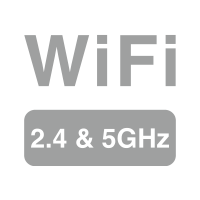
Best indoor wifi camera always stay connected. The Arenti P2F camera supports both 2.4 GHz and 5 GHz Wi-Fi connections, ensuring seamless operation and a stable, uninterrupted connection, regardless of your router type.
Personalized Zone Selection
The Arenti P2F allows you to customize your surveillance area with the Zone Selection feature. Pick the parts of your home you want to keep watching on and forget the others. You may choose between the baby's room, the entrance, or the living area, you have complete control over your home surveillance.
Flexible and Secure Storage
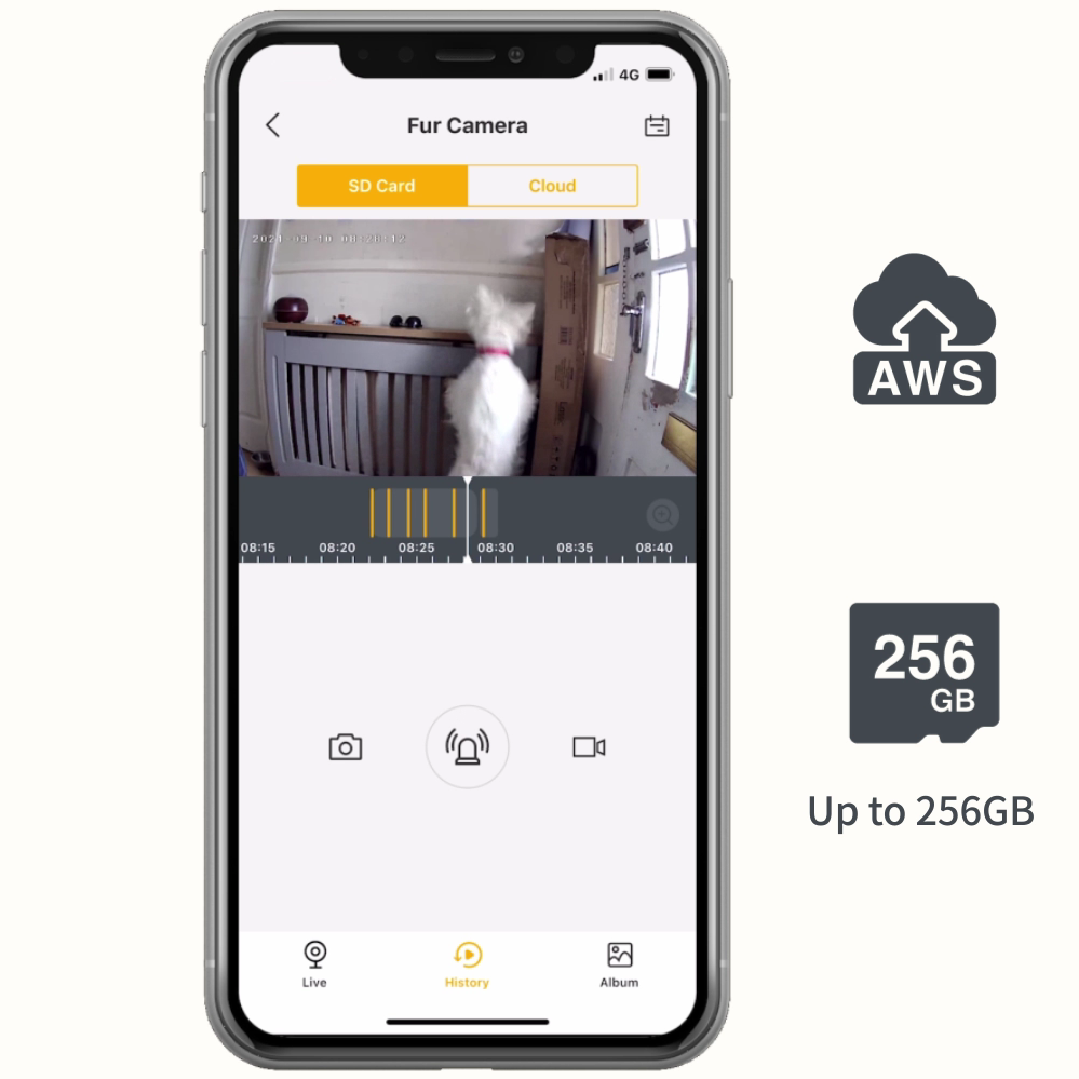
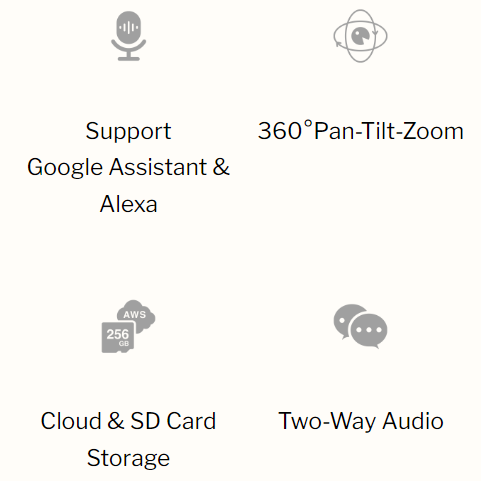
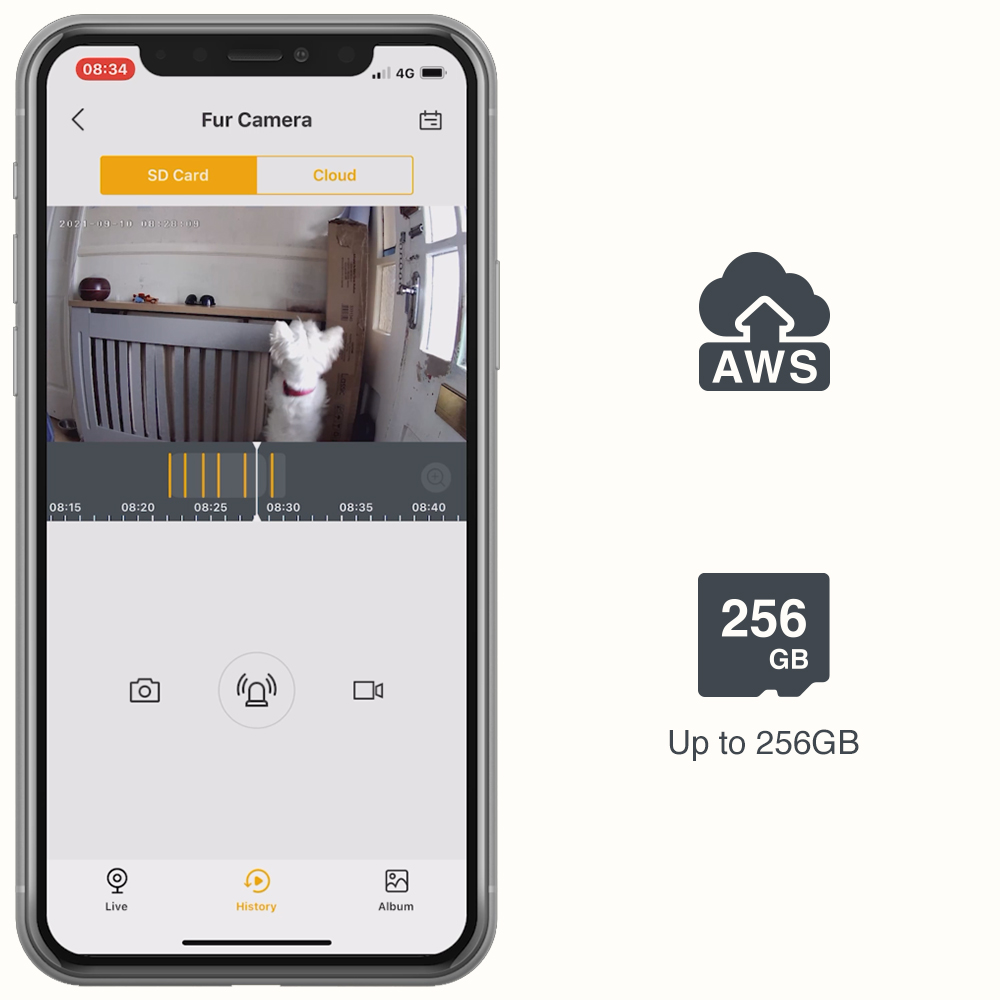
When it comes to storage, the Arenti P2F provides options to suit your needs. It works with memory cards that hold up to 256GB, plus it has internet storage you can try out for free for 3 months. After the trial, you can opt for monthly, seasonal, or annual payment plans.
Wir wissen, dass Ihr Sicherheitsmaterial privat und sensibel ist. Die Arenti P2F Innenkamera verwendet einen robusten Verschlüsselungsalgorithmus, um Ihre Daten sicher zu halten. Seien Sie sicher, dass Ihre Daten vor allen geschützt sind, die sie nicht sehen sollen.
Effortless Voice Control
Experience the convenience of controlling your Arenti P2F camera with just your voice. Compatible with Alexa and Google Assistant, you can easily access real-time footage or command your camera to pan, tilt, or zoom without lifting a finger.
Real-Time Communication with Two-Way Audio
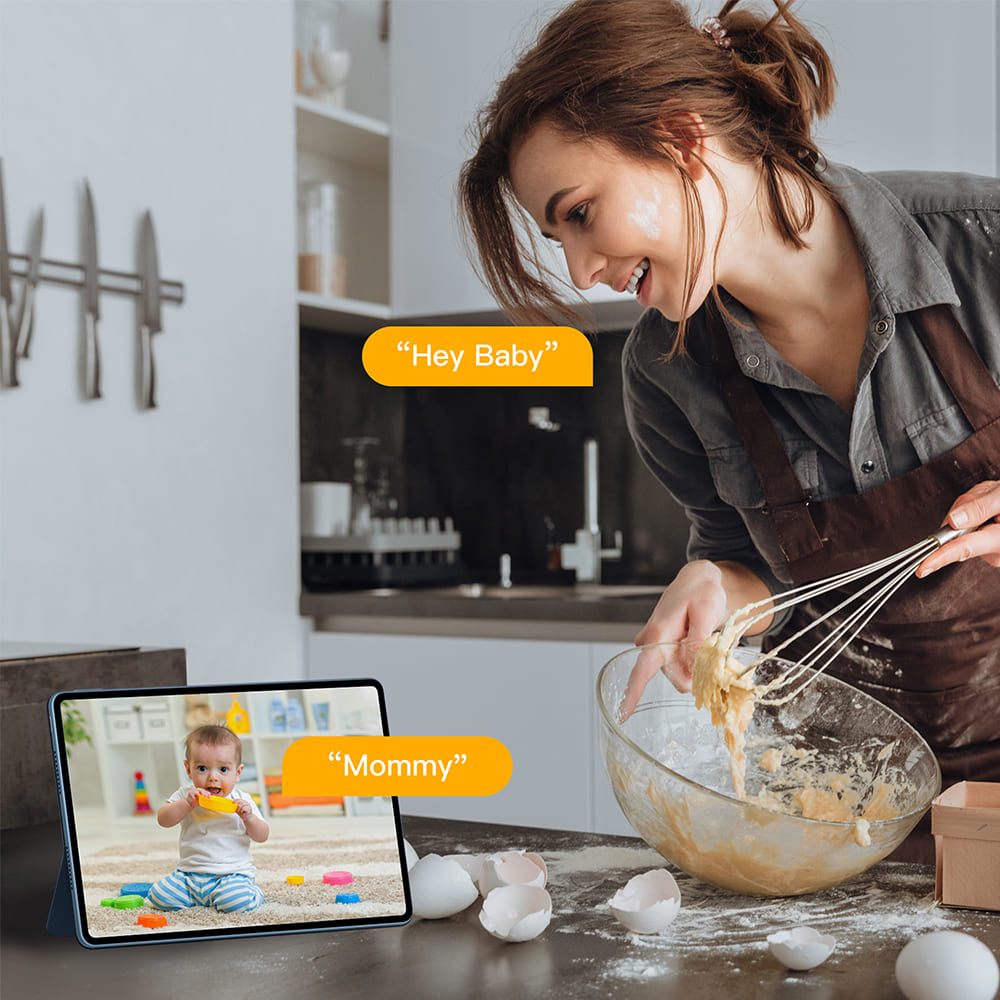
It's not only indoor camera with audio. Stay connected with your loved ones at home with the Arenti P2F's Two-Way Audio feature. Whether you want to say hello, give a quick reminder, or even deter an unwelcome visitor, you can do so directly through the camera.
See the Night in Perfect Clarity
Die Schwarz-Weiß-Nachtsicht liefert gestochen scharfe, detaillierte Bilder selbst in völliger Dunkelheit. Mit verbessertem Kontrast eignet sie sich hervorragend zur Identifizierung von Objekten und Bewegungen – ideal für die Sicherheit Ihres Zuhauses.
Ideal for Child Surveillance
Perfect for Pet Monitoring
Comprehensive Security Solution
Unbeatable Clarity with 2.5K 5MP UHD Resolution
Normal Cameras
Arenti P2F
Unbeatable Clarity with 2.5K 5MP UHD Resolution
Normal Cameras
Arenti P2F
Specifications
Alarm Trigger: Intelligent motion/sound sensor
Image Resolution: 2.5K 4MP UHD
Video Format:H.264+
Wireless: 2.4 GHz & 5.8 GHz Wi-Fi
Mobile Phone OS: iOS 9 or later, Android 5 or later
Security: AES128
Pan/Tilt: Pan: 0°~355°, tilt: -15°~78°
Operating Temperature: -20 °C to 50 °C (-4℉ to 122℉)
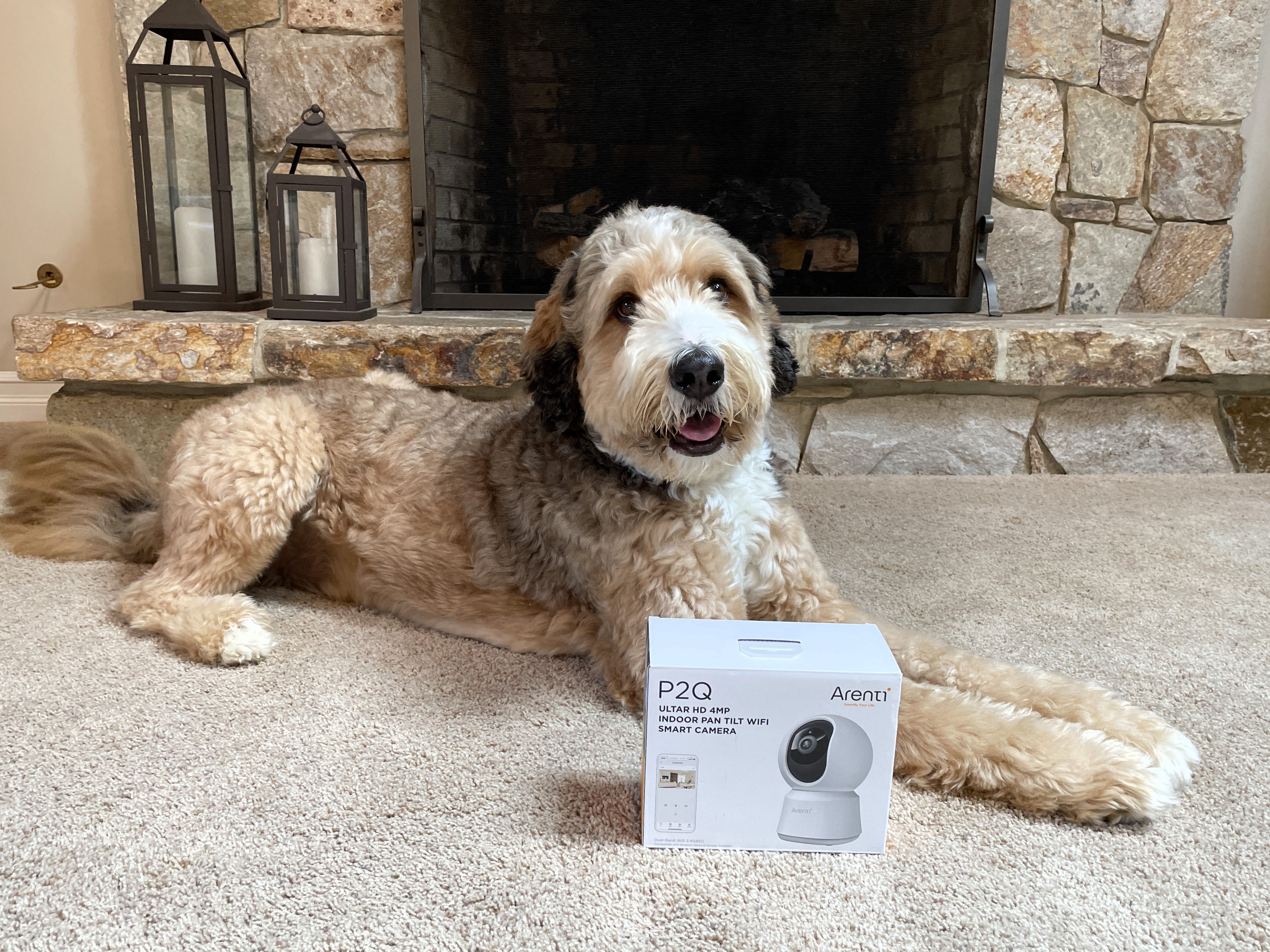
😂❤️It’s almost like he knows when I’m watching… & that he shouldn’t be on the table
@devransmom
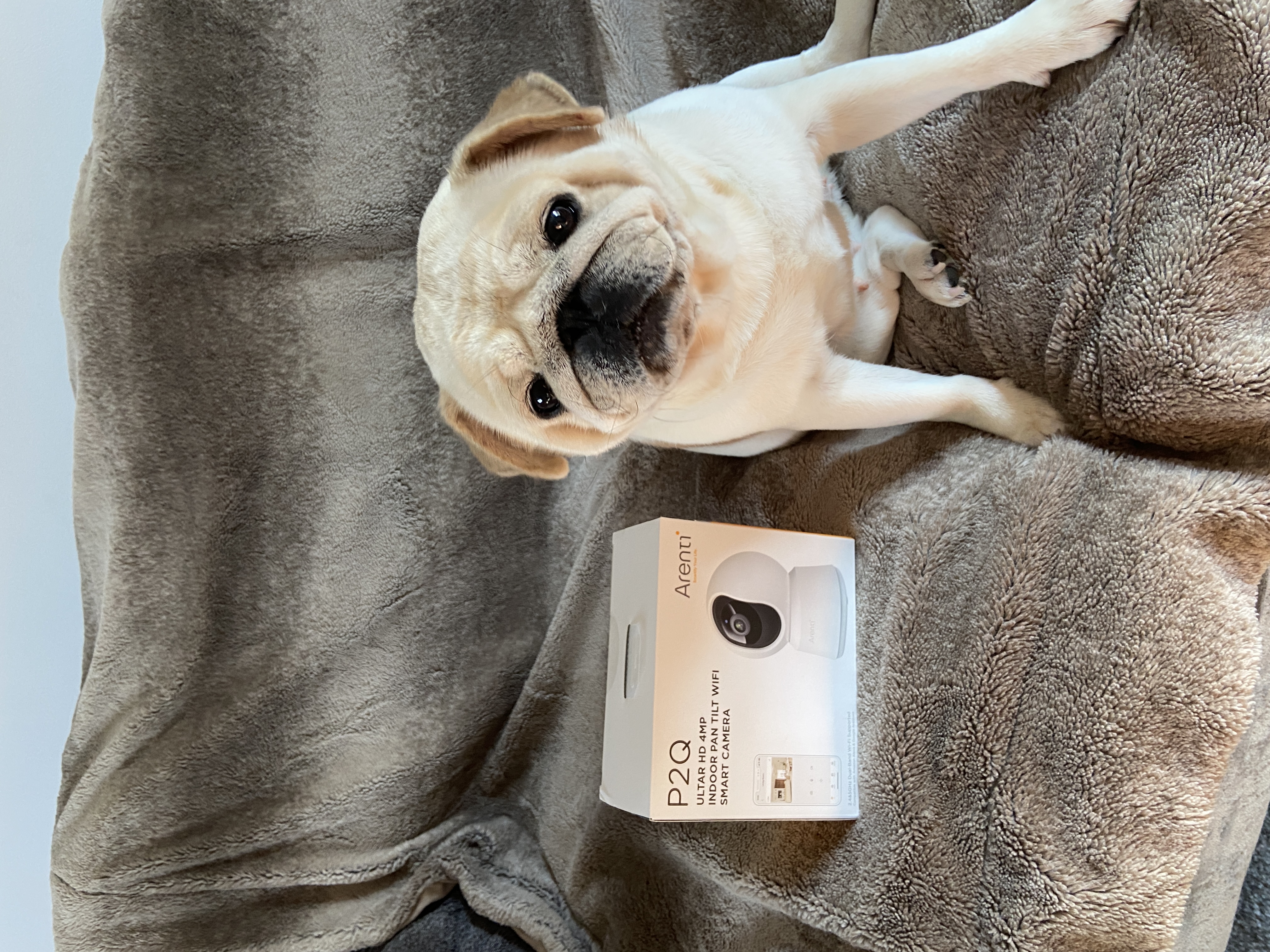
I use Arenti P2Q to protect my little baby🥰
@jlnpalmer
It's hard to leave my dog home alone, Arenti camera can help. İmage quality is great👏👏❤️
@Louis R
Check your pet when you are not at home:) ❤️Love it
@Lammy
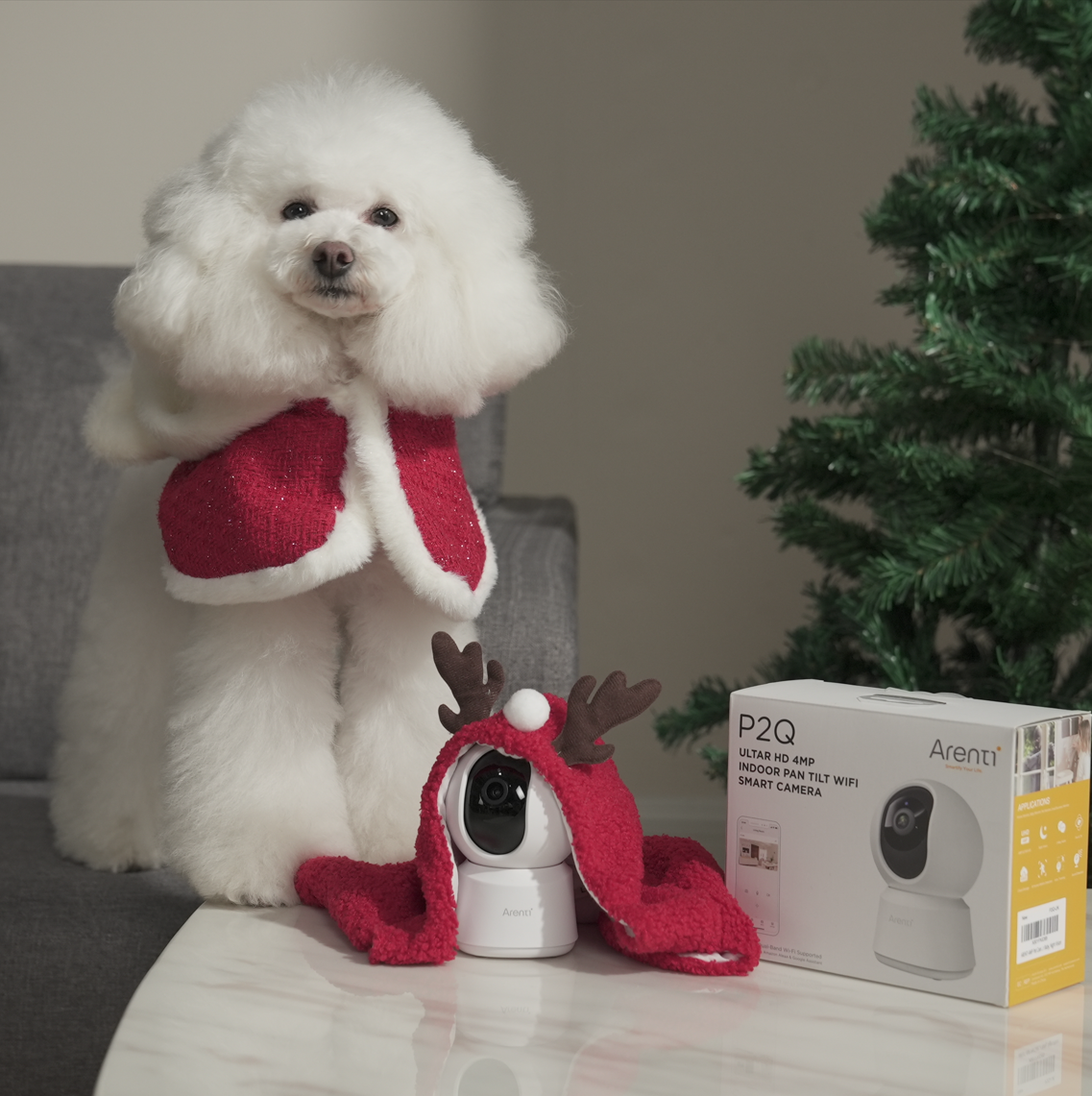
Spending Christmas with a puppy - P2Q!🎄🎁
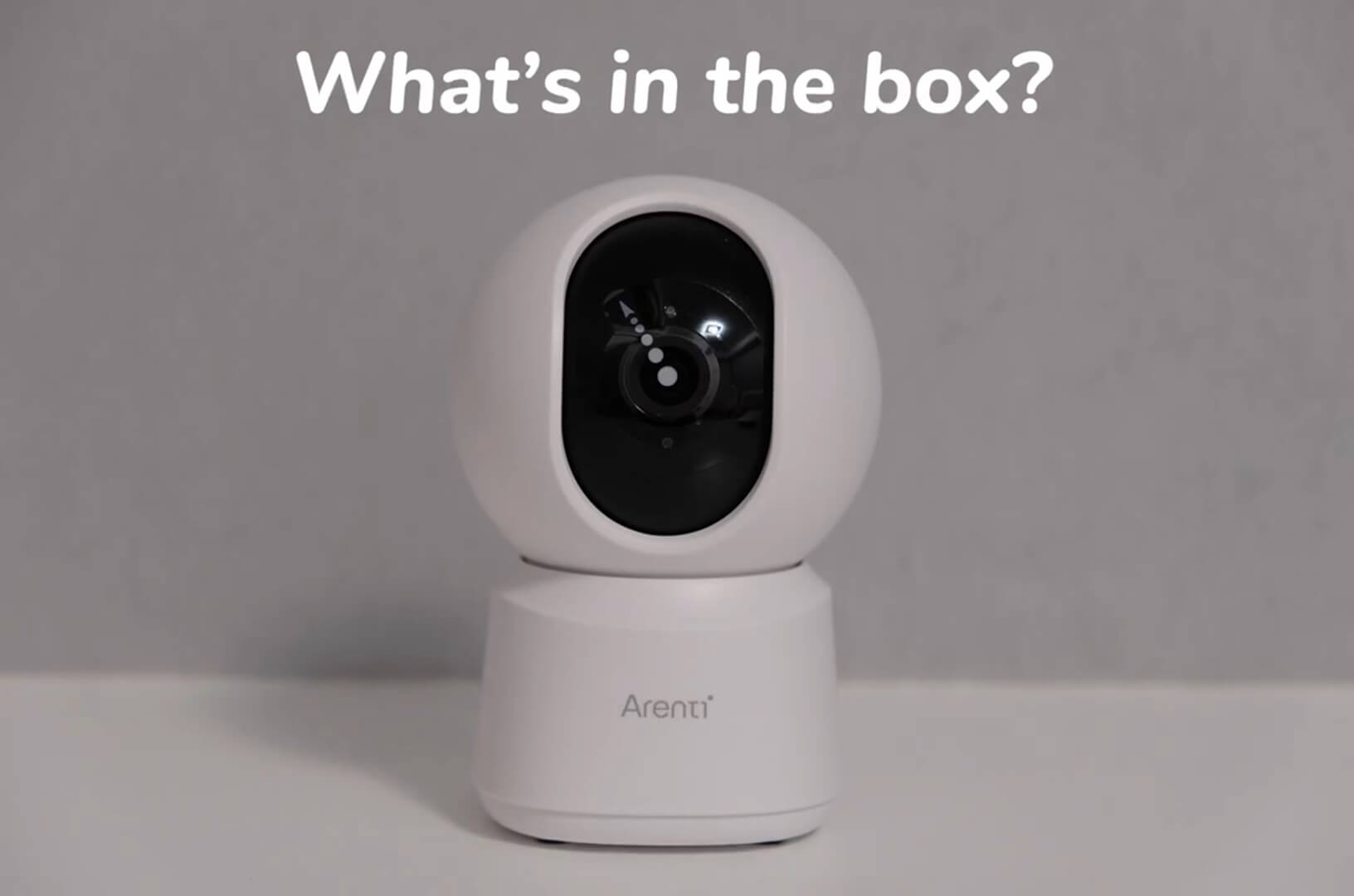
Lieferumfang
Einrichtungsanleitung
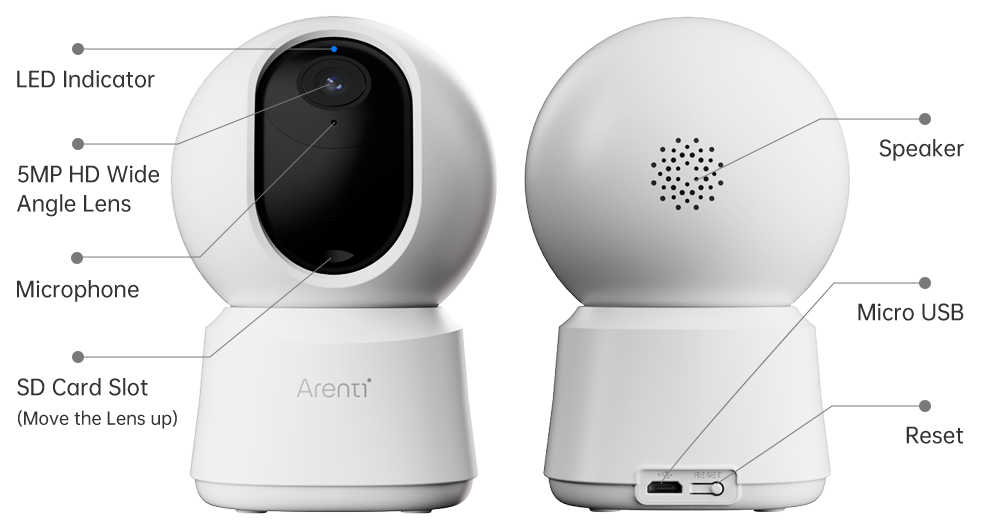
Wo ist der SD-Kartenschacht?
FAQs
Was ist der Unterschied zwischen P2F und P2Q?
P2F ist die verbesserte Version von P2Q mit höherer Bildauflösung. P2Q bietet 2K mit 4 MP, während P2F über 2K mit 5 MP verfügt. Abgesehen von dieser Verbesserung sind Design und Funktionen identisch.
Does it work with the 5GHz Wi-Fi network?
Absolutely yes! Arenti P2F Indoor Camera supports both 2.4GHz and 5GHz Wi-Fi frequencies. Since they both have their advantages, to give you the best experience with the camera, we recommend connecting to a Wi-Fi network that has a better signal in your house. 2.4GHz Wi-Fi will provide better Internet if the camera is in a spacious location, or if there is a wall between your camera and the router. If your camera is near a router, 5GHz Wi-Fi will be a good choice to provide a more stable and robust connection with less interference in a small room.
Is it secure to use the P2F Indoor Camera?
Of course it is totally safe that you could feel free to use it! Arenti P2F Indoor Camera is secured by your router's network password and encryption, as well as through an Arenti account using industry-standard 128-bit AES encryption and SSL/TLS.
Does Arenti P2F Indoor Camera support multiple logins?
For security reasons, an account can only log in through one mobile phone at the same time, and others can only watch the real-time video of the camera through the sharing mechanism. Arenti APP - Device (click the device to the real-time video page) - Settings - Device Sharing - Add, share your device according to the guide. Please note that your friend needs to create an account (in the same country) and log in to Arenti APP.
Does P2F Indoor Camera have a built-in battery, or does it need to be charged?
P2F Indoor Camera does not have a built-in battery. It is a non-rechargeable camera but needs to be plugged in to use. However, the monitor with battery, which could be charged. If there is no socket where you want to put the camera, you could choose an appropriate length extension cord for it to use! (Make sure whether the network of that location is stable) Power supply: DC 5V1A
Does P2F Indoor Camera need to be mounted on the wall?
Arenti P2F Indoor Camera can be placed on a platform near thr activity area that you would like to monitor or mounted on the wall. Note: If you'd like to mount the camera on the wall, please make sure the screws are tightened to avoid falling off before using.
How to insert the SD card into P2F Indoor Camera?
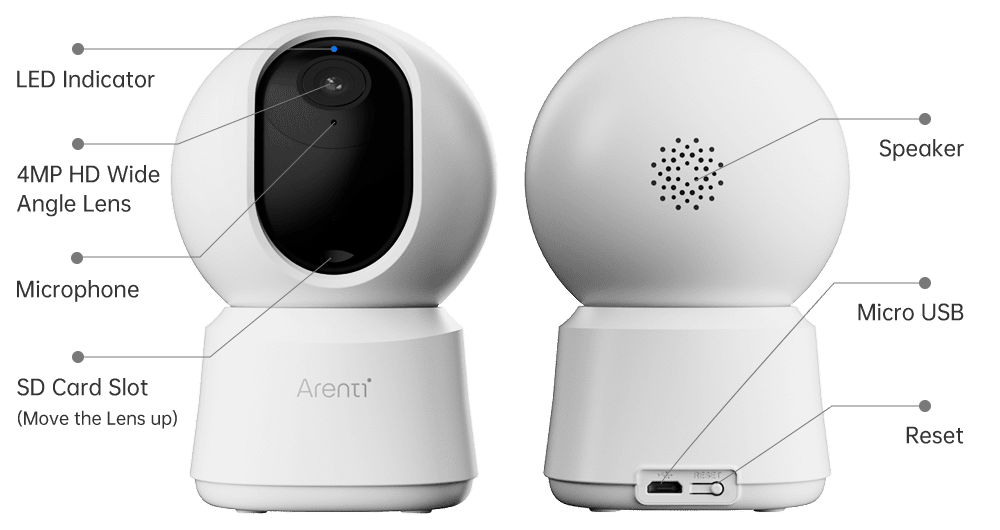
You could see where the card slot is by sliding the camera up to insert your SD card into the slot:) Note: We recommend using Class 10 and above, format FAT32, up to 256GB, famous brand Micro SD card.
How to turn off the LED indicator?
You could turn off the network indicator via the following path: Live Page - Settings - Basic Features - Turn off Network Indicator
How long is the warranty?
The warranty period is 2-year. Please contact our customer service team by support@arenti.com to solve the problem if there is any questions about the product. Once it is confirmed that there is an issue with the device, we will replace a new one for totally free:)